MP3 vs M4A vs WAV: Which Audio Format Should You Use?
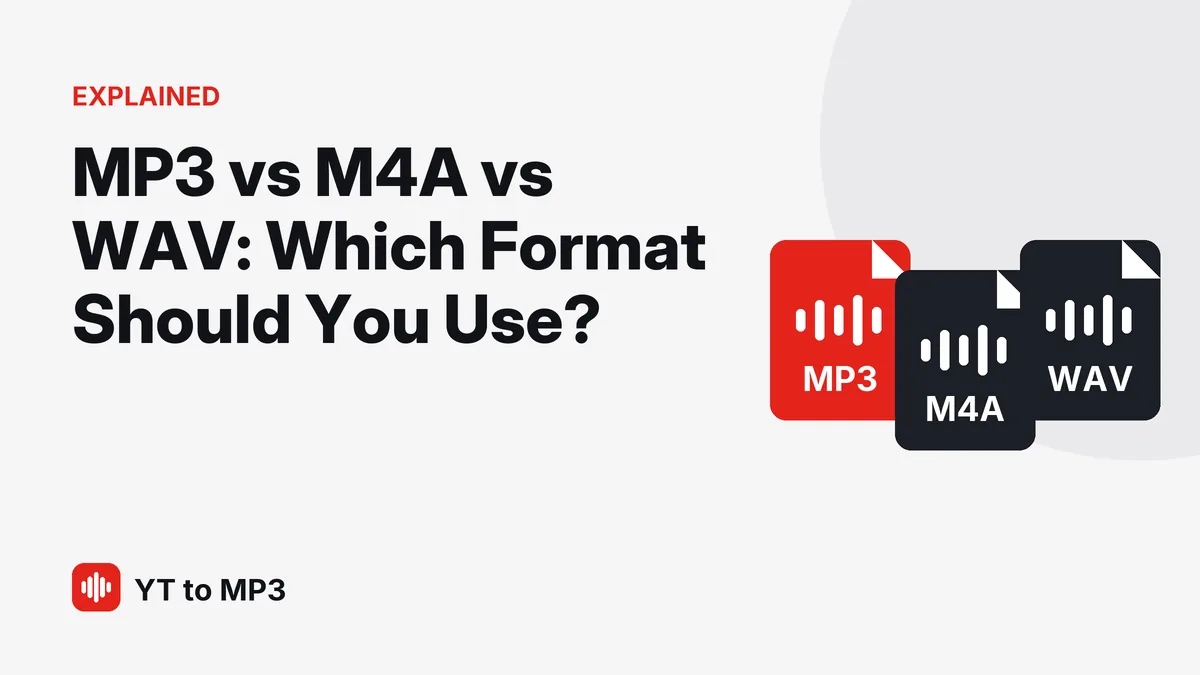
When you save audio, you will often see three names: MP3, M4A and WAV. They all hold sound, but they work differently, and choosing the right one saves space and avoids playback problems. Here is a clear comparison.
The quick answer
- MP3 — plays on almost every device ever made. Small files, good quality. The safe default.
- M4A — similar size to MP3 with slightly better quality at the same bitrate. Works great on Apple devices and most modern players.
- WAV — uncompressed and very large. Useful for professional editing, pointless for everyday listening.
Side-by-side comparison
| MP3 | M4A (AAC) | WAV | |
|---|---|---|---|
| Compression | lossy | lossy | none |
| Size per minute (typical) | 1–2.4 MB | 1–2 MB | about 10 MB |
| Quality | very good at 128–320 kbps | very good, a bit better than MP3 at the same bitrate | identical to its source |
| Compatibility | everywhere | most modern devices and apps | everywhere, but big |
| Best for | everyday listening, sharing your own audio, old devices and car players | Apple devices, saving space | editing and production |
MP3: the universal choice
MP3 has been around since the 1990s, which is exactly why it is so useful: phones, computers, car stereos, smart TVs, game consoles and old portable players all play it. It uses "lossy" compression, which removes sounds that people barely hear in order to make files small.
At 128 kbps an MP3 takes about 1 MB per minute and is perfect for speech. At 320 kbps — the highest MP3 setting — it takes about 2.4 MB per minute and loses as little as possible of the original. A higher bitrate can't add detail the original never had, though: an MP3 made from a YouTube video sounds at best like the video itself.
M4A: more efficient, a little less universal
M4A files usually contain audio in the AAC format, the default on Apple devices. AAC is newer than MP3 and squeezes slightly more quality out of the same file size, especially at lower bitrates.
Almost all modern devices play M4A, but some older car stereos, portable players and budget devices don't. If you want to be sure a file plays everywhere, MP3 is still the safer pick.
WAV: no compression, big files
WAV stores audio without compression, so it takes a lot of space: about 10 MB per minute at CD quality. That's roughly ten times an MP3 at 128 kbps.
WAV is popular in editing software because nothing is lost when you open and save the file repeatedly. But there is a catch many people miss: converting a compressed source to WAV does not improve its quality. If the original was a compressed stream — like every video on YouTube — a WAV copy is just the same sound in a much bigger file.
What about FLAC and Opus?
- FLAC is "lossless": smaller than WAV (often about half the size) but with identical sound. Great for archiving high-quality originals, less widely supported than MP3.
- Opus is a modern, very efficient format used by many streaming services and web browsers. It sounds excellent at low bitrates, but support in car stereos and older players is limited.
Which format should you use?
- Listening on your phone, in the car or on any device: MP3.
- Mostly Apple devices and you want the smallest files: M4A works well, MP3 works too.
- Editing in professional software: start from the best source you have; WAV or FLAC inside your project, MP3 for the final copy you share.
- Saving audio from online videos: MP3. The source is already compressed, so bigger formats only make bigger files.
Why YT to MP3 gives you MP3
Because it plays everywhere. Whether you open the file on an old laptop, an iPhone, an Android phone or a car stereo, an MP3 simply works. Choose 128 kbps for small files or 320 kbps to stay as close as possible to the video's original sound — our quality guide explains the difference.